
Create an account or sign in to AvalAI
AvalAI Chat · Last updated 20 November 2026
Goal
An account lets you return to your conversations and settings. Creating an account and signing in both start from the same button.
Before you start
Have access to your email address or phone number. If you already have an account, use an address or number attached to it.
Steps
Open AvalAI Chat.
Open the sign-in form.
Type your email address or phone number in “Email or Phone Number.”
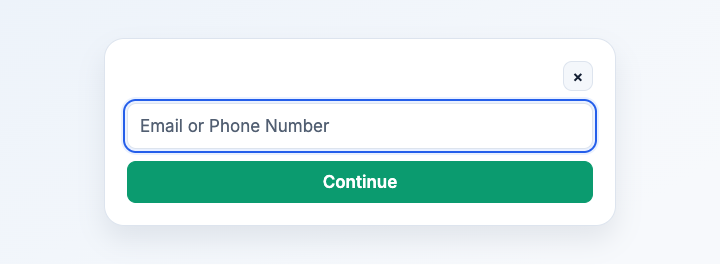
Illustration based on the development interface.
Select “Continue.”
If you receive a code
- Open the message that arrived in your email or on your phone.
- Enter the code on the sign-in screen. The code works once and expires shortly. Enter it only on that screen.
Follow the same path to start a new account. Use an email address or phone number where you can receive the code. Once you verify it, your new account is ready.
If you see a password field
- Type your password in “Password.”
- Select the sign-in button.
If you’ve forgotten your password, choose the one-time code option or reset your password.
What you should see
Chat opens and you can find your account through “Settings.”
Common problems
- The page asks for a valid email or phone number. Check the field. An email address needs the part after @. If you’re using a phone number, recheck the digits.
- The code hasn’t arrived. Check your spam folder for email and your recent messages for a phone code. Once the timer finishes, request a new code if needed.
- Google sign-in is unavailable. You can continue using your email address or phone number.